



If you use a GSA Search Engine Ranker VPS, you have probably looked at your projects, seen unsolved CAPTCHAs, and asked the same question: why is this not solving faster, or why is this not solving everything?
That frustration is understandable. CAPTCHA solving has changed a lot. Google keeps adjusting reCAPTCHA, hCaptcha keeps evolving, and no solver stays perfect forever.
But there is an important reality here. If you want a higher overall solve rate, the answer is usually not to rely on one solver and hope for perfect results. The smarter approach is to build a redundant setup, where your included solvers handle the first pass and an external paid service steps in only when needed.
Quick answer: how to improve CAPTCHA solve rates in GSA SER
- Stop expecting one solver to do everything. No single solver handles every CAPTCHA type well, and the types change at different speeds.
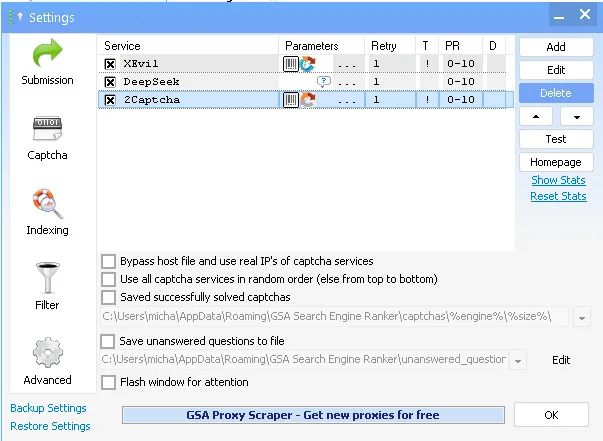
- Run the included stack first. XEvil 7 Beta 2 for image and Google-style CAPTCHAs, DeepSeek for text CAPTCHAs.
- Add a paid fallback, not a paid replacement. 2Captcha catches only what the included solvers miss.
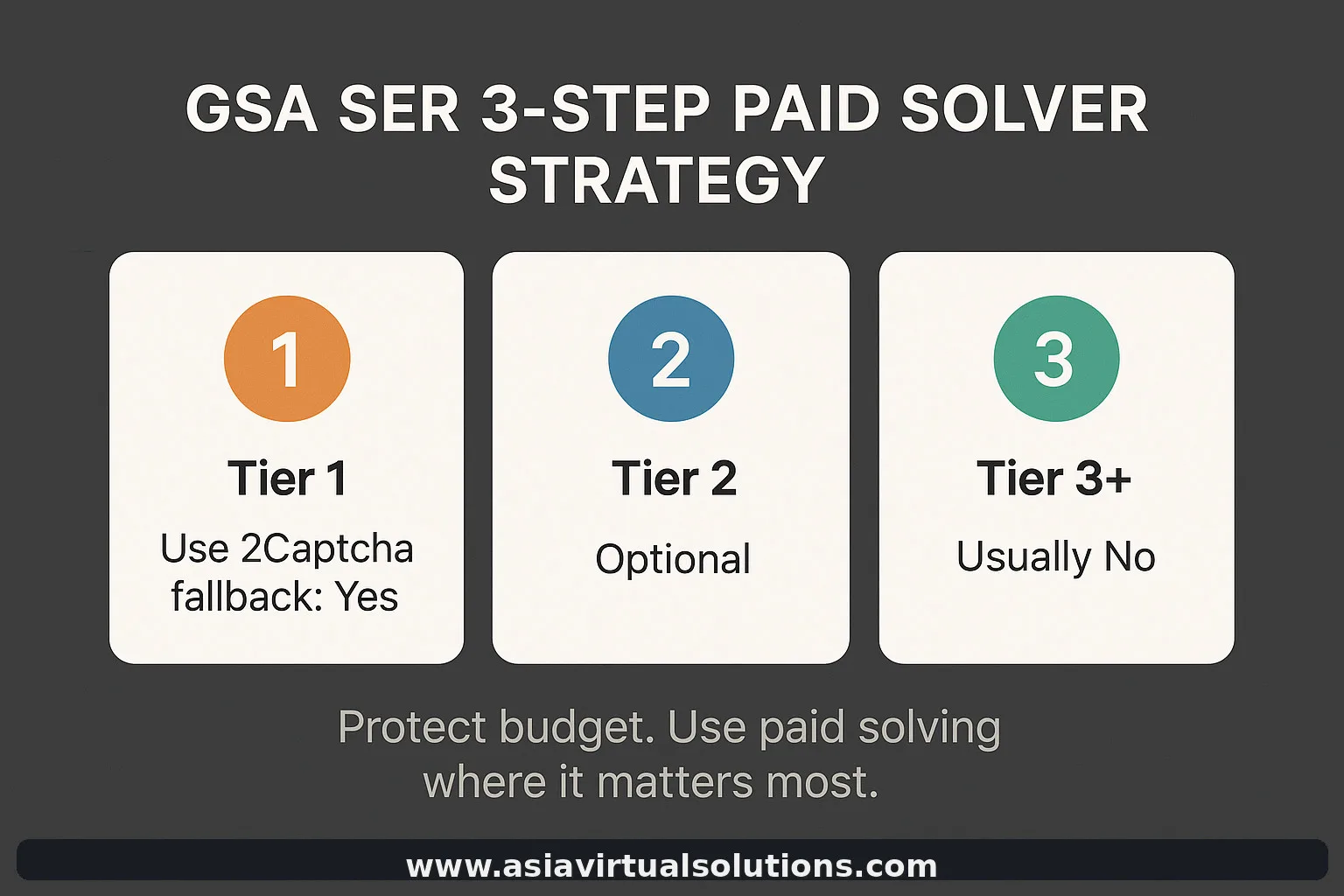
- Keep the paid fallback on Tier 1. That is where accuracy and a lost target actually cost you something.
- The chain: XEvil → DeepSeek for text → 2Captcha as fallback → paid solving mainly on Tier 1.
What is currently included in our GSA SER VPS CAPTCHA setup?
At the moment, our GSA Search Engine Ranker VPS package includes:
- Basic image CAPTCHA solving
- reCAPTCHA v2 solving
- reCAPTCHA v3 solving
- hCaptcha support in the current package setup
- DeepSeek for text CAPTCHA solving
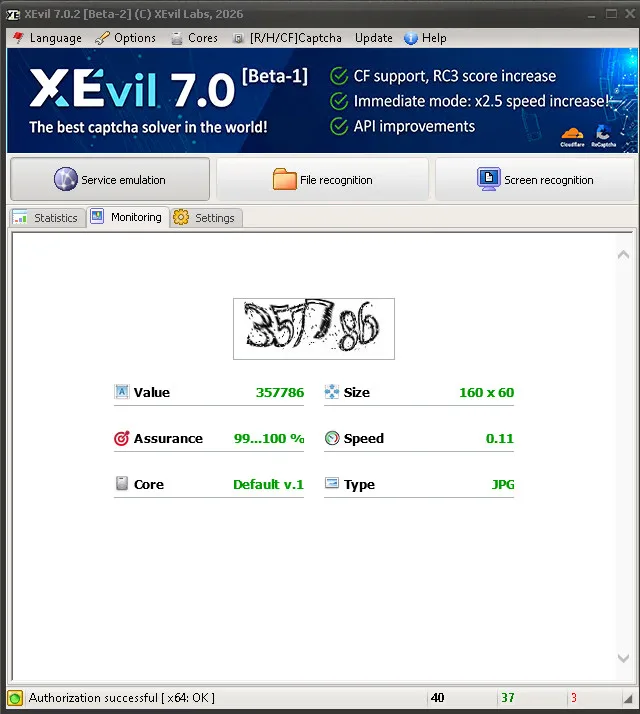
For the core visual and Google-style CAPTCHA solving we are currently using XEvil 7 Beta 2. That matters, because current performance depends heavily on the present state of XEvil 7 Beta 2, and that state is still evolving.
What this means in practice right now
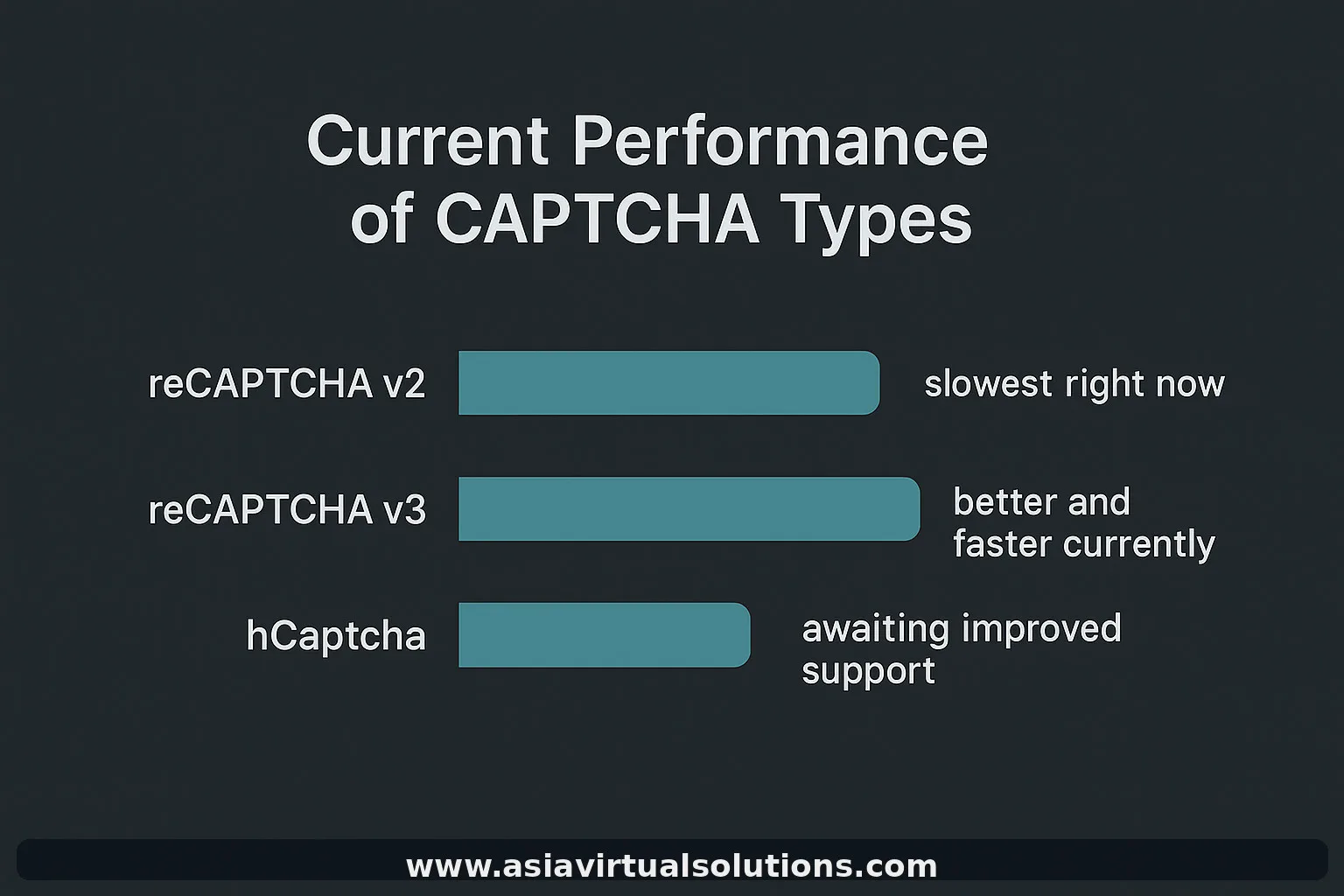
- reCAPTCHA v2 is currently taking the longest in XEvil
- reCAPTCHA v3 solving is currently much better and generally faster
- hCaptcha has not yet been updated properly in XEvil 7 Beta 2
- We expect hCaptcha improvements in XEvil 7 Beta 3
- The XEvil developers have indicated that the hCaptcha module may become a paid add-on in the future
At this stage we have not made a final decision on whether hCaptcha solving will continue to be included in our GSA SER VPS package, or whether there may be a charge for it later. We will decide based on how XEvil develops, how stable the module becomes, and what the long-term cost looks like.
So the most factual way to describe the current situation is this: XEvil 7 Beta 2 is useful and still valuable, but it is not a complete answer for every CAPTCHA type and every use case.
Why users should stop expecting one solver to do everything
This is where many users make the wrong assumption. They see one CAPTCHA fail, or solving slow down, and immediately assume the entire setup is broken. Modern CAPTCHA solving does not work like that. Different CAPTCHA types behave very differently, and they change at different speeds.
| CAPTCHA type | Current practical situation |
|---|---|
| Image CAPTCHAs | Still workable with included solver setups |
| reCAPTCHA v2 | Often the slowest and most demanding right now |
| reCAPTCHA v3 | Currently better and generally faster |
| hCaptcha | Still waiting for stronger support in the next XEvil update |
| Text CAPTCHAs | Handled separately through DeepSeek |
If you expect one tool to solve every CAPTCHA quickly, cheaply and perfectly, you are setting yourself up for disappointment. A better expectation: use a layered system, let your included tools do most of the work, and only pay extra where it gives you a real advantage.
The better approach: build redundancy into your CAPTCHA solving workflow
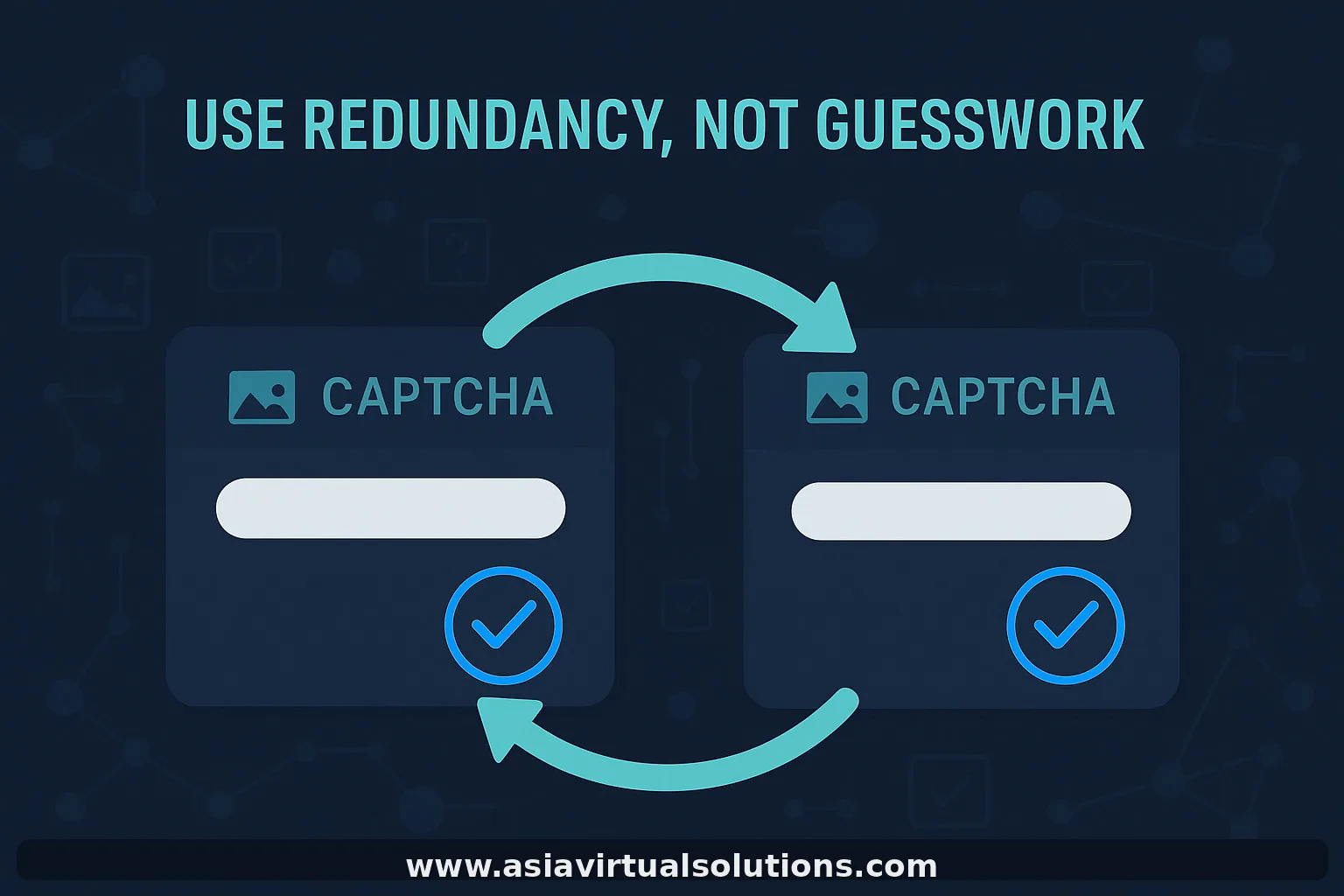
Instead of asking whether one solver can do everything, the better question is: how do I create a stronger solving chain?
Recommended CAPTCHA solving logic for GSA SER VPS users
- Use the included CAPTCHA-solving stack first
- Let XEvil 7 Beta 2 handle what it handles best
- Let DeepSeek handle text CAPTCHA solving
- Add 2Captcha as a final fallback for the CAPTCHAs that still fail
- Use the paid fallback only where the extra cost is justified
XEvil first → DeepSeek for text CAPTCHA → 2Captcha only as a fallback → paid solving mainly on Tier 1
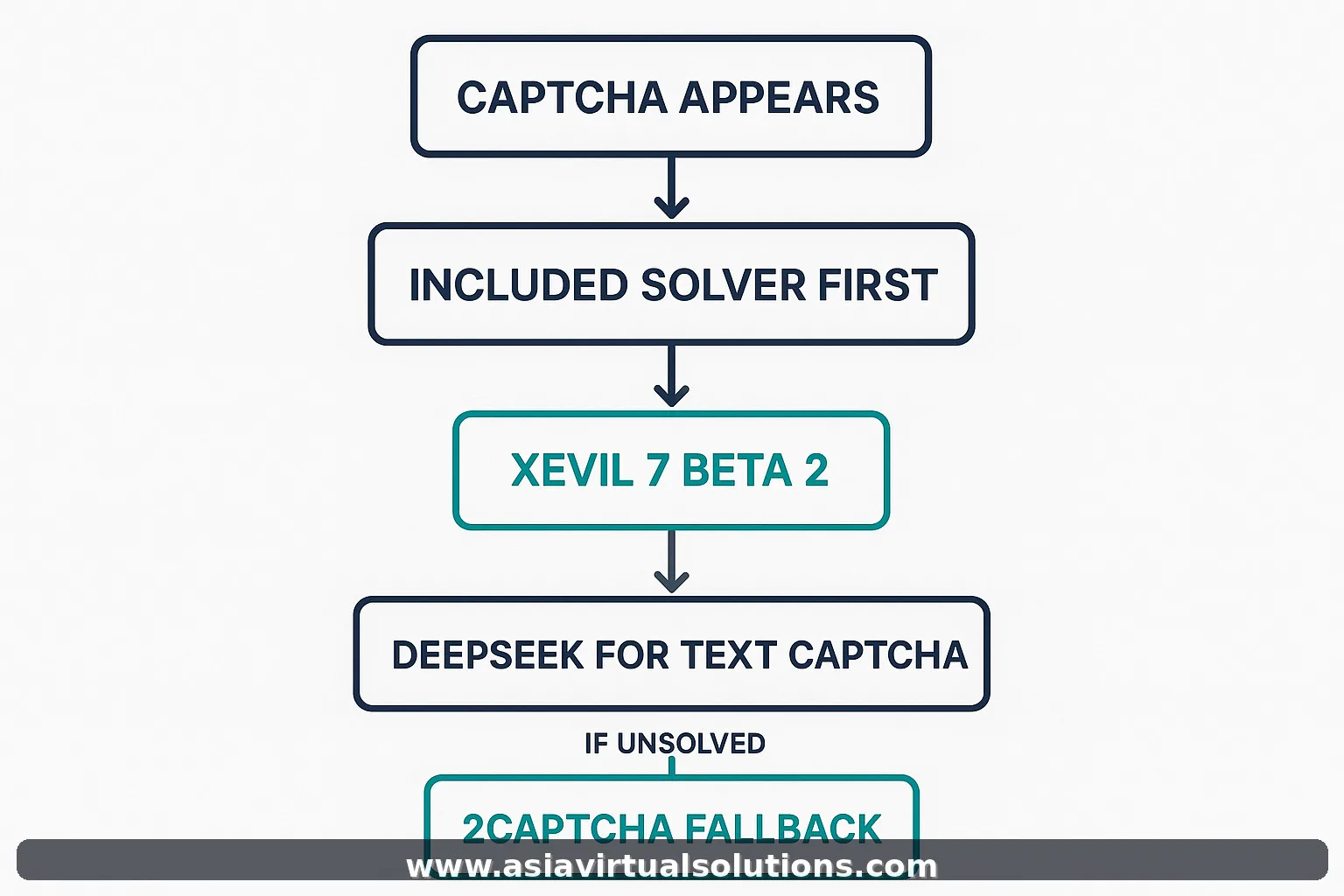
2Captcha should not replace your included solving stack. It should work as a backup layer, so that your included services do most of the work, your paid external solver is used only when necessary, and your solving rate improves without sending every single CAPTCHA to a paid service.
Why 2Captcha is a good fallback option
There are several external CAPTCHA services on the market, but 2Captcha remains one of the most practical fallback options for GSA SER users:
- It is well known
- It is widely supported
- It is relatively simple to integrate
- It can act as a reliable last layer when your included solvers do not solve a challenge
This does not mean you should send everything to 2Captcha. That would usually be the wrong move. Think of it like this:
- Not your first solver
- Not your only solver
- Your paid fallback solver
Why we recommend using paid CAPTCHA solving mainly on Tier 1
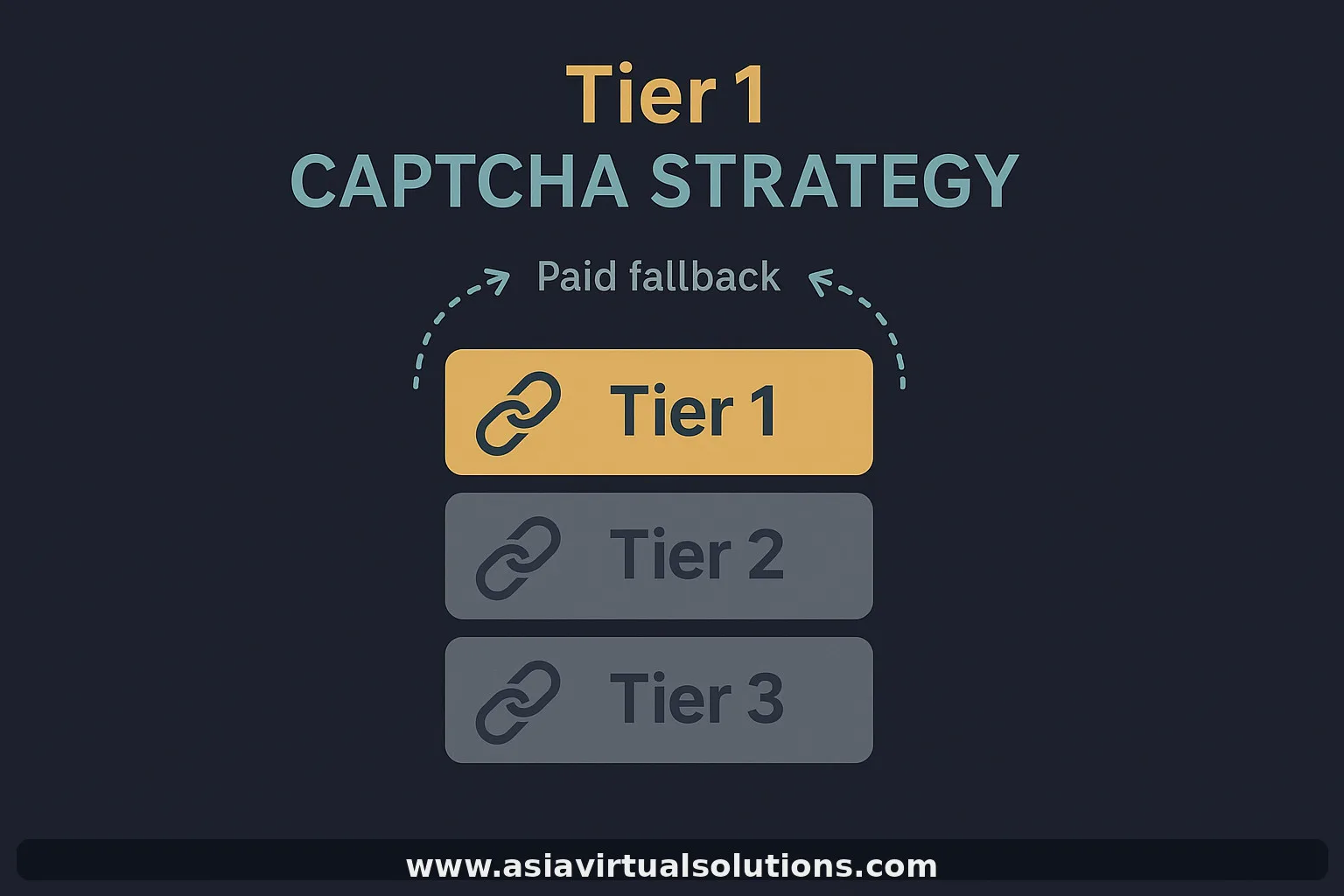
If you are using a paid CAPTCHA service, the biggest mistake is using it too widely. Send every CAPTCHA from every tier to a paid service and your costs rise fast, while the return often does not justify it.
For most users the better strategy is simple: use 2Captcha mainly on Tier 1, because that is where:
- Verification quality matters more
- Successful submission matters more
- Accuracy matters more
- Losing a good target actually costs you something
For lower tiers, most users simply do not need to spend extra on paid CAPTCHA solving. That is where your included stack should keep doing the heavy lifting. Our tiered workflow guide explains why the tiers deserve different treatment.
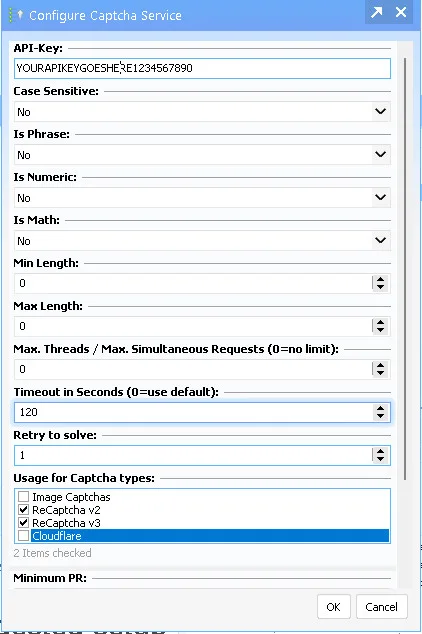
Tier 1 settings
For the top tier, we want to use every available CAPTCHA-solving option.
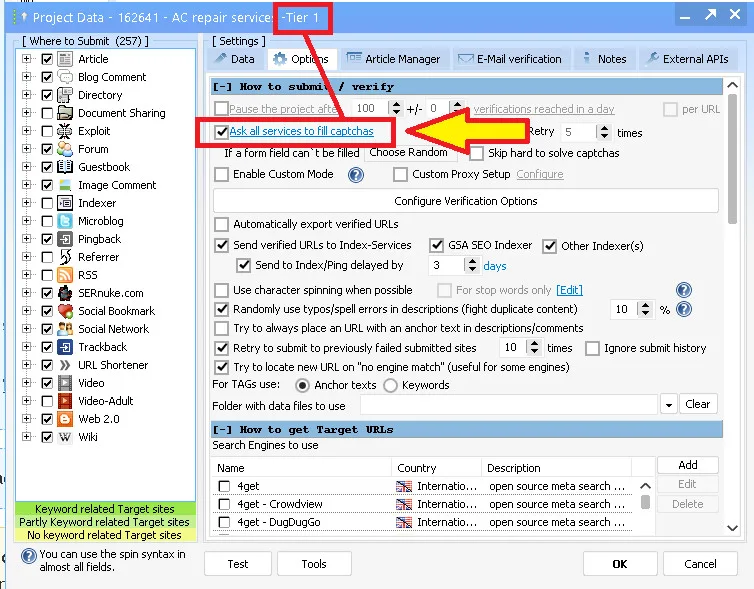
Lower tier settings
For the lower tiers I do not want to use the paid 2Captcha option — unless, of course, you have plenty of budget and do not mind paying.
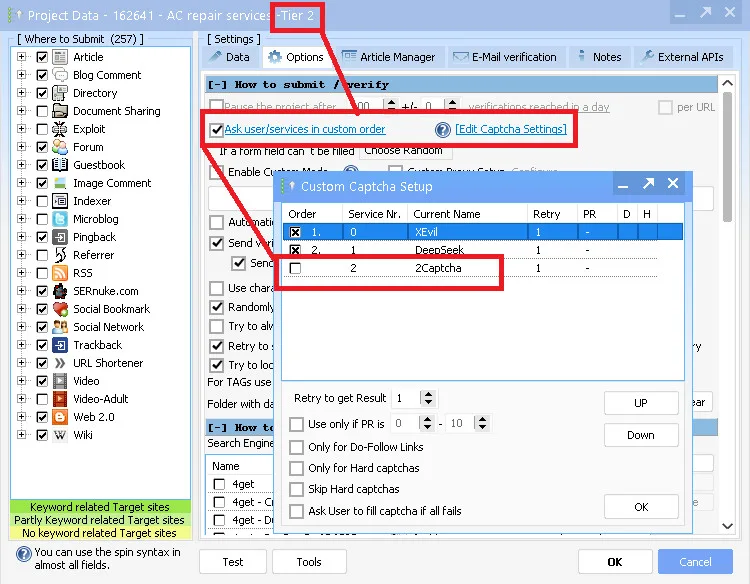
Watch the setup
Suggested setup for most GSA SER VPS users
- Included image CAPTCHA solving first
- XEvil 7 Beta 2 for currently supported CAPTCHA solving
- DeepSeek for text CAPTCHAs
- 2Captcha as fallback only
- 2Captcha used mainly for Tier 1
This gives you better redundancy, better solve coverage, more control over cost, less frustration when one solver struggles, and a more realistic setup that scales.

Common mistakes to avoid
- Expecting one solver to handle everything perfectly
- Sending every CAPTCHA straight to a paid provider
- Using paid solving on lower tiers without a clear return
- Judging the whole setup on one difficult CAPTCHA type
- Not checking solver order and fallback routing inside GSA SER
Frequently Asked Questions
Is XEvil still useful for GSA SER users?
Yes. XEvil is still useful, especially as part of a layered solve setup. The point is not to expect perfection from one solver. Use it where it performs well, then add a fallback where needed.
Should I send every CAPTCHA to 2Captcha?
Usually no. That increases cost quickly and is often unnecessary. For most users it makes more sense to keep 2Captcha as a fallback and reserve it mainly for Tier 1.
Why is reCAPTCHA v2 slower than expected?
At the moment reCAPTCHA v2 is one of the slower and more demanding areas inside the current XEvil 7 Beta 2 workflow. That is one of the reasons redundancy matters.
Is hCaptcha solving included in the GSA SER VPS package?
It is in the current package setup, but hCaptcha has not yet been updated properly in XEvil 7 Beta 2 and we expect improvements in Beta 3. The XEvil developers have indicated the hCaptcha module may become a paid add-on, so we have not made a final decision on whether it stays included long term.
What solves text CAPTCHAs?
DeepSeek handles text CAPTCHA solving in our setup, separately from XEvil. That separation is part of why a layered stack works better than relying on one tool.
Final takeaway
If you are using a GSA SER VPS, stop thinking about CAPTCHA solving as a one-tool problem. The better mindset:
- Use what is included first
- Understand where the current version performs well
- Understand where the current limitations are
- Build redundancy into your setup
- Use 2Captcha as a paid fallback when it gives you a real return
- Keep that paid fallback focused on Tier 1, where it matters most
That is the practical way to improve solve rates, and the strategy we recommend right now for anyone who wants a stronger, more reliable GSA SER setup.
If you want help setting up a smarter CAPTCHA workflow for your GSA Search Engine Ranker VPS, or a setup built for better efficiency from the start, get in touch. You can also see what our CAPTCHA solving service covers.









 English
  简体中文
简体中文  Deutsch (Sie)
  Bahasa Indonesia
  Italiano
  日本語
日本語  한국어
한국어  Português do Brasil
  Русский
  Español de México
  ไทย
ไทย  Tiếng Việt
  Türkçe